Rehearse the ruling.
Work through a two-part replay script while the app follows your words. Find the places you skip or stall, then take another rep.
See Rehearsal
Built for basketball officials
The review is over. Every ear is on you.
Get your reps before the mic is live.
Replay rulings. Real words. More confidence.
01 / THE FEELING
That walk to the microphone deserves practice, too. Step into the sound, the pressure, and the moment after the review.
Watch “Before the mic is live” THE AFTER REVIEW FILM00:52
02 / THE PRACTICE
A focused practice space for the part of officiating everyone hears.
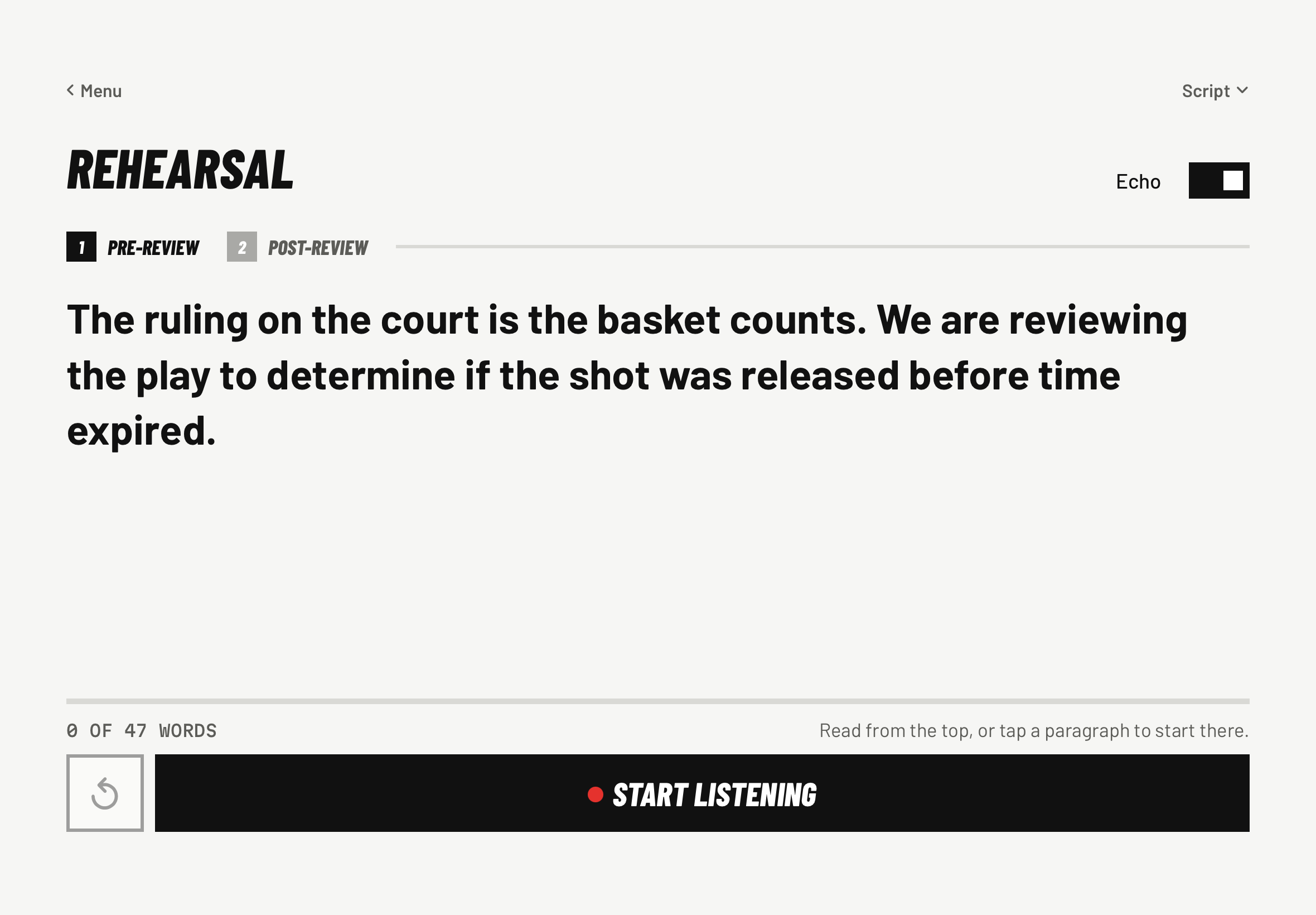
Your next announcement starts here.
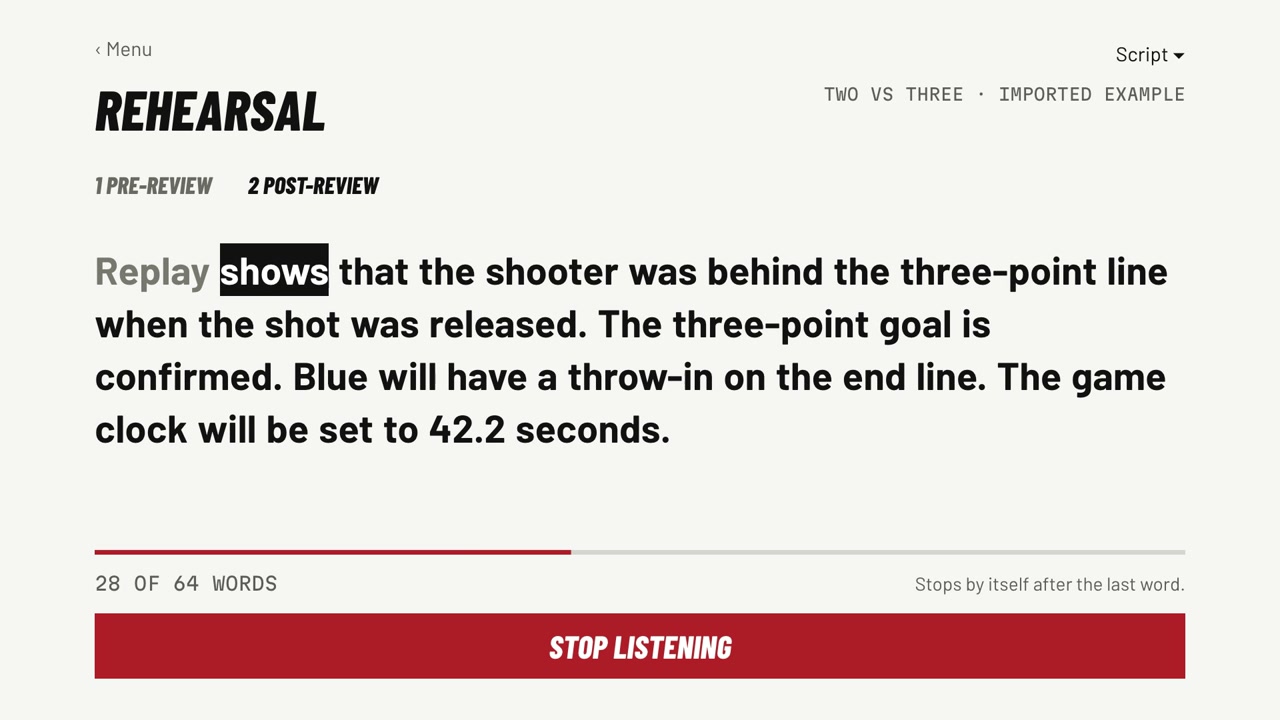
Work through a two-part replay script while the app follows your words. Find the places you skip or stall, then take another rep.
See RehearsalRecord your announcement in Playground. Review the transcript and listen to your delivery with arena echo.
See PlaygroundChoose the teams and crowd. Give the pre-review announcement, press Next, then deliver the ruling as the crowd reacts.
See Game TimeYour voice, recognized. Teach speech recognition the calls the way you say them.
Your setup, your practice. Adjust the devices, crowd, and effects to fit your session.
03 / THE WALKTHROUGH
Six focused films. One skill at a time.
Start at the beginning or jump to your next rep.
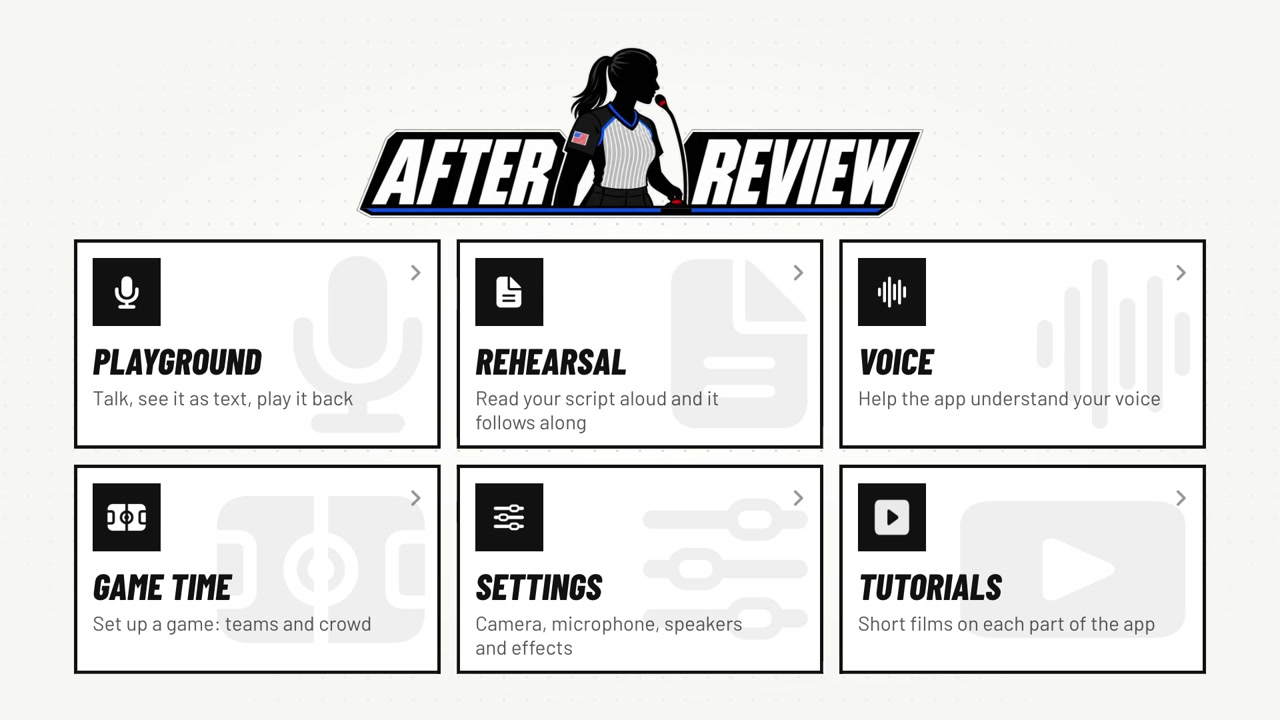 1:11
Meet the app, explore the menu, and find your first practice session.
 1:13
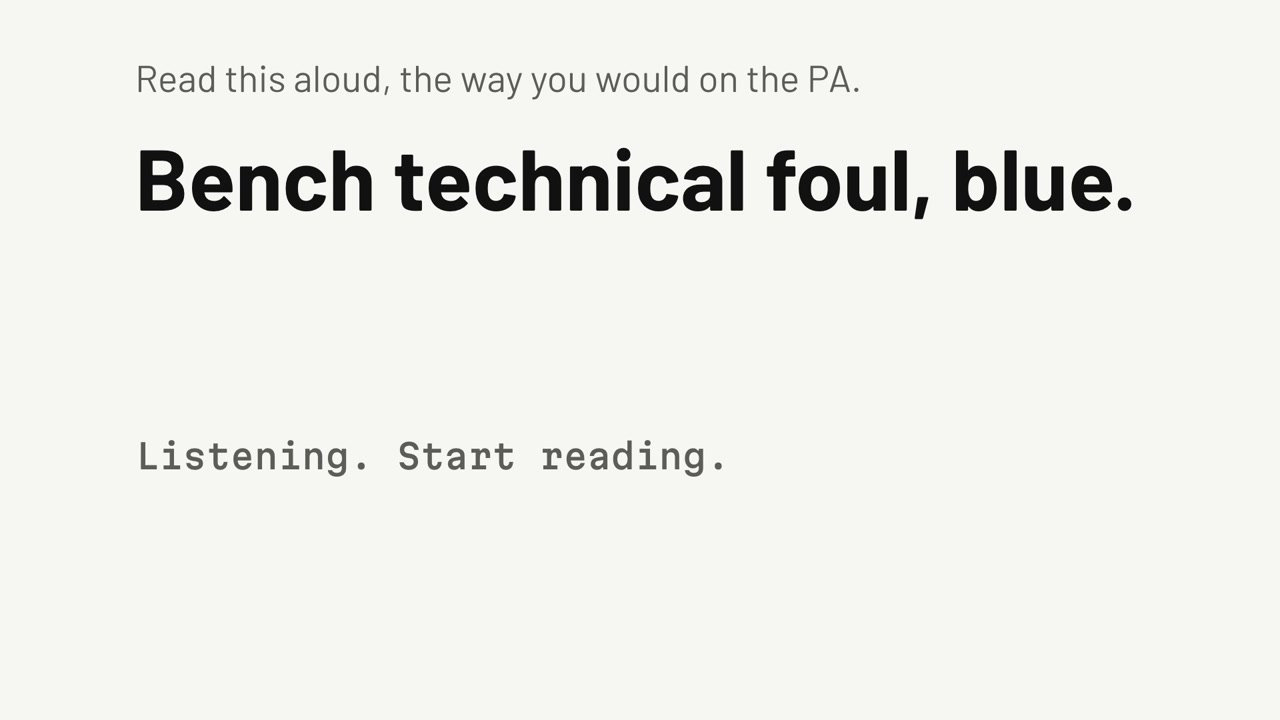
Teach speech recognition the calls the way you say them.
 1:22
Read a two-part replay script while the app follows along.
 1:24
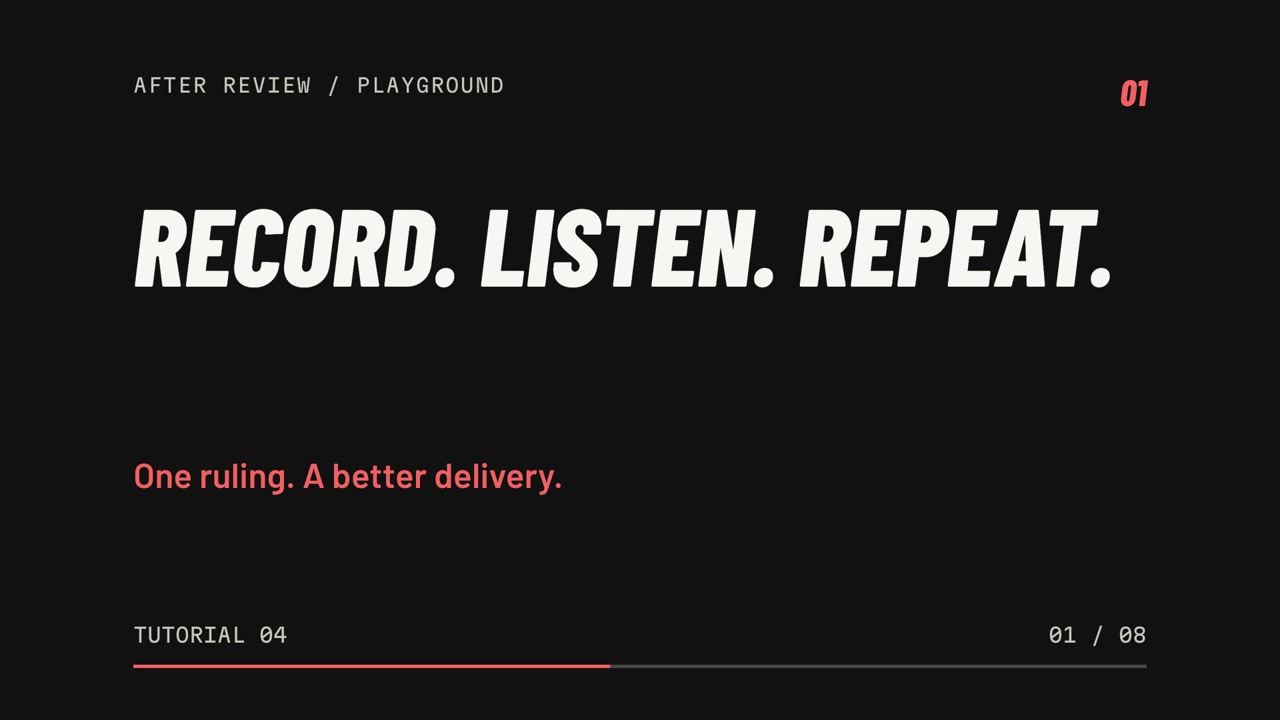
Record a ruling, hear it with arena echo, and review your delivery.
 1:28
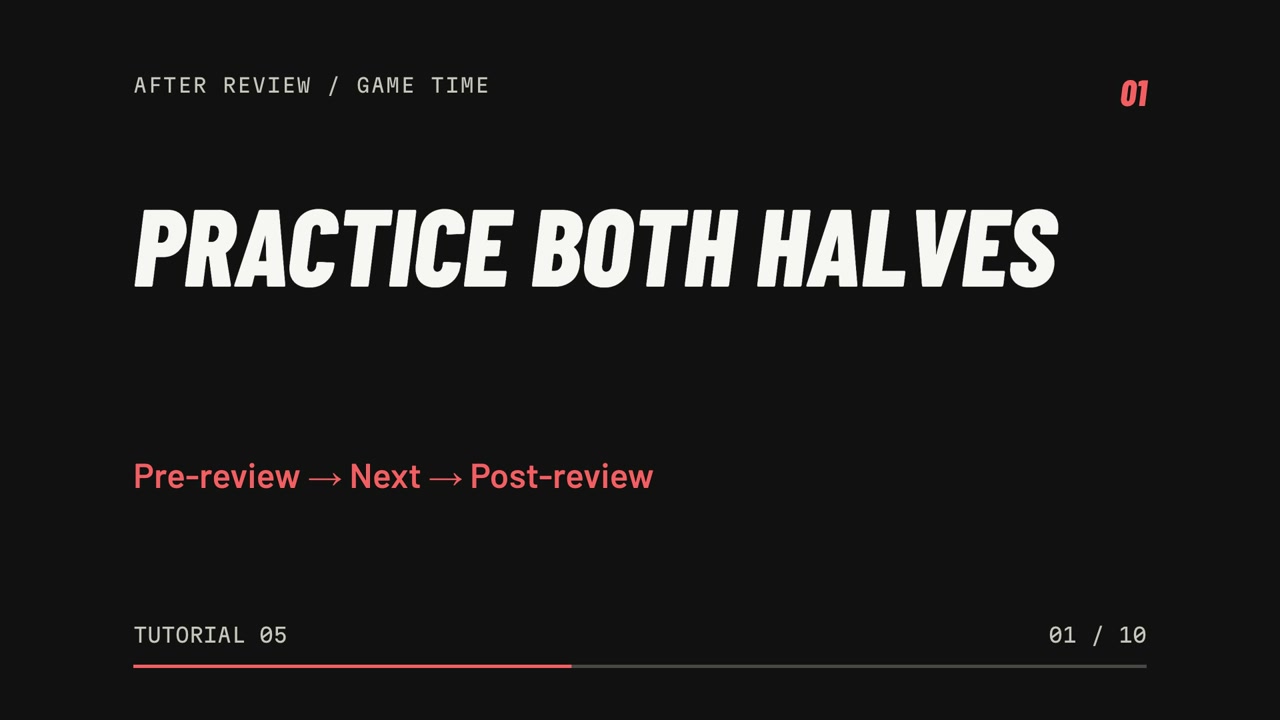
Practice the pre-review, press Next, then give the ruling. Learn the hand and mic options.
 1:24
Set up devices, arena effects, the announcer, and an iPhone or iPad companion.
Examples from the NCAA’s November 10, 2026 Replay Announcement Guide. Download one, then choose Rehearsal → Scripts → Import…. Each file separates the before-review and after-review announcements. Review both parts in the editor and adapt the details to your play.
These walkthroughs show the Apple app. Features and availability may differ across platforms.
04 / YOUR NEXT REP
Bring the announcement into your practice routine.
Download the ZIP, open it, and drag After Review into Applications. You’ll need an Apple silicon Mac running macOS 27 or later.
The preview is a development build, not a notarized public release. If macOS blocks it, review Apple’s instructions for opening an app from an identified source. Only approve it if you trust this download. Managed Macs may not allow it.
The preview lets you try the app while it is still being prepared for wider distribution. The public release will have Developer ID signing and Apple notarization. It will be listed here when it is ready.
You can begin with your Mac’s microphone and speakers. After Review also supports choosing other audio devices. Watch the setup tutorial to explore your options.
Start with Voice to help recognition understand your calls, then Rehearsal to work through a replay script. Use Playground to record and hear yourself, and Game Time when you’re ready to add the crowd.
After Review is a practice tool for your announcement and delivery. Keep using the current rules, mechanics, and guidance from your officiating organization to make and explain the ruling.